The 'deal with it later' problem
You get a message with a link, a confirmation, or a question you cannot handle right now. If you leave it in the shade it gets buried; if you clear it, it is gone. You need a deliberate “save for later” step.
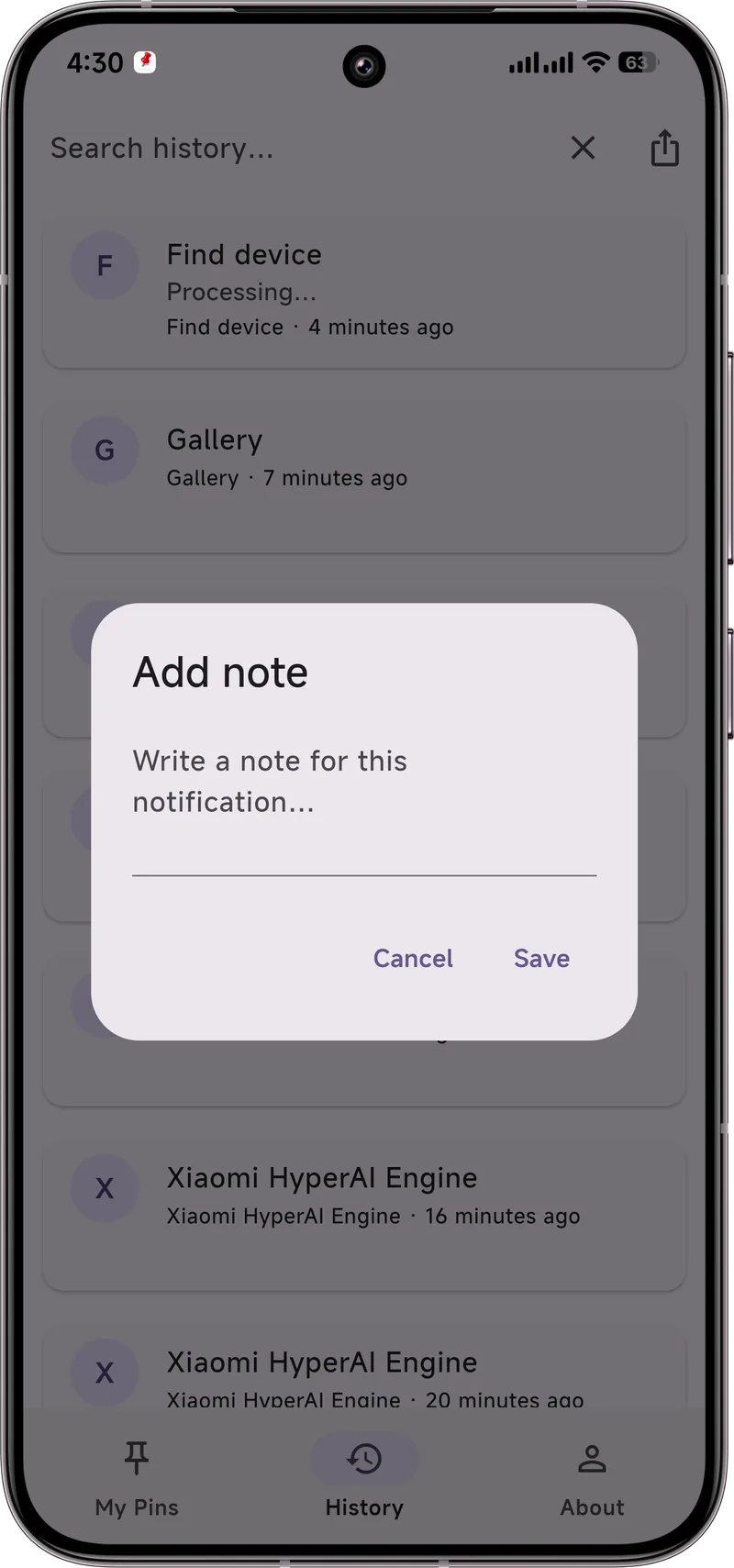
Android's built-in history
Android 11 and later keep a notification history (Settings → Notifications → Notification history) that logs recently dismissed notifications for a period. It is a decent safety net, but it is a flat list and items eventually roll off — not ideal as a real reading list.
Capture with Dingpin
Dingpin is built for saving. Press and hold any notification and pin it; the item is stored in Dingpin, above the noise, with an optional note. It does not disappear when you clear the shade or restart the phone, so it becomes a genuine “read later” shelf.
History vs pinned save
Use notification history as a backup for things you already dismissed by accident. Use Dingpin to intentionally keep the things you plan to return to. They complement each other: history catches mistakes, pinning holds intentions.
A simple workflow
When a notification arrives that you cannot handle now, pin it immediately. Later, open Dingpin, work through the saved items, and unpin as you finish. Your shade stays clean and nothing important slips away.
What "read later" actually means
Read-later is the habit of capturing an alert now and coming back to it when you have time to actually read it. The point is to remove the alert from your immediate attention without losing the content. Email has had this for years with "mark as unread" and archive; messaging apps are catching up with features like starred conversations and saved messages. Notification pinning takes the same idea and applies it to any notification from any app.
Build a personal read-later system
Three layers work well together:
- Inbox capture. Pin the notification you want to come back to. Dingpin parks it at the top of the shade as a persistent reminder.
- Storage. The pinned alert lives in Dingpin's History tab, searchable and exportable.
- Follow-up. When you do read it, unpin it and act on it (reply, copy a code, save an address).
This pattern works for both quick alerts (a code you cannot use right now) and long-form ones (a newsletter you want to read on the train).
What pinning does and does not do
When you pin a notification, two things happen:
- The notification stays at the top of the shade above all unpinned alerts.
- Clearing the shade does not remove the pinned notification.
What pinning does not do: it does not change the underlying notification's behavior. If the sending app updates the notification (a new message in a chat), the pinned item may or may not update depending on the app. Pinning is best for static alerts — tracking numbers, addresses, codes, appointments — not for live conversations.
Other read-later tools compared
There are several ways to capture alerts for later:
- Pocket / Instapaper. Designed for web articles, not notifications. Useful only after you copy a link from a notification into the app.
- Notes apps. Manual: copy text from the notification, paste into your notes app. Works, but loses the source context (which app sent it, when).
- Email yourself. Forward the notification text to your own email. Awkward on mobile and loses link previews.
- Pinning with Dingpin. One-tap from the shade, the original notification stays visible, and you can add a note for context.
A daily read-later workflow
A simple routine that prevents notifications from becoming a to-do graveyard:
- Morning. Skim the shade. Anything that needs a real response (but not now) — pin.
- Midday. During a break, open Dingpin's Pinned tab. Handle each pinned item: reply, copy, or unpin.
- Evening. Anything still pinned at bedtime gets reviewed. Anything still pending, leave pinned for tomorrow.
For related patterns, see pinning notifications on Android, notification snooze, and recovering notification history.