If someone you love has dementia, the word "wander" carries real weight. People with Alzheimer's and related dementias sometimes walk off — from home, from a store, from a care facility. Most are found, often quickly, but the minutes matter and the fear is constant. This guide shares one small, low-cost idea that might help in the best case — and is very clear about what it cannot do.
A small, honest idea
If the person carries a phone, you can pin a short note to the top of the notification shade: something like "Hi, I'm Margaret. I have dementia and can get confused. Please call my daughter Sarah at [number]. Thank you." Anyone who picks up the phone — a stranger, a shop assistant, a bus driver — sees it immediately, with no unlocking and no app to open.
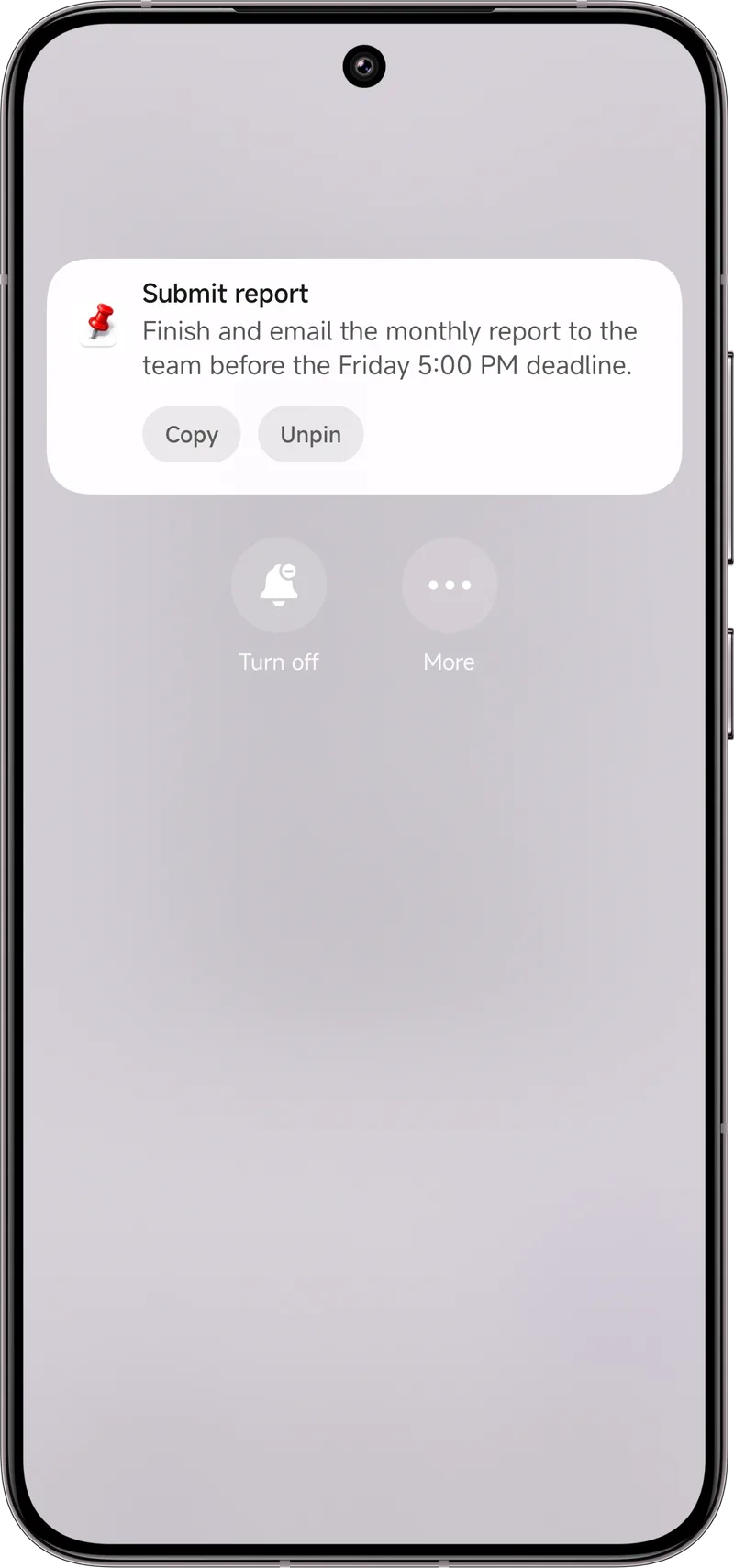
Dingpin lets you create that note and keep it pinned so it doesn't scroll away. It's the digital version of a card in a wallet — except it's the first thing anyone sees on the phone.
Read this first — it is not enough on its own
This is a nice-to-have, not a safety system. Please don't mistake it for one. Dingpin does not track location, does not alert anyone, and will not find a person. The measures that actually protect someone who wanders include:
- A medical ID bracelet or card with a contact number.
- A GPS tracker — an Apple AirTag in a pocket, a dedicated GPS watch, or a service such as a local dementia wanderers' registry program.
- Registration with local police and dementia organizations that run "safe return" type programs.
- Door alarms and motion sensors at home to catch exits early.
- Trusted neighbors and regular check-ins.
Use the pinned note as one extra layer, never the only one. If you are weighing real options, talk to the person's doctor or a local Alzheimer's association — they know what works in your area.
Privacy, and who controls it
The note is something you or your loved one creates. Dingpin doesn't send it anywhere; it simply keeps it visible on the device. You choose the wording and the number, and you can change or remove it anytime. Nothing about it is shared unless the phone is in someone else's hands — which is exactly the situation it's meant for.
How to set it up
Install Dingpin, create a pinned note: "If you find this phone, please call Sarah at [number] — my dad has dementia." Keep it pinned. You might also pin a second one with the home address. Walk through it together so the person is comfortable with what's on their phone. For a fuller setup, see our guide on setting up your parents' phone so they stop missing everything.
The wandering scenario
For parents of young children or caregivers of older adults with dementia, a quick way to know if someone has wandered is invaluable. A few phone-based tricks work without dedicated hardware:
Location sharing via Google Maps
The most reliable method:
- Open Google Maps on the caregiver's phone.
- Tap the profile icon → Location sharing → Add people.
- Share real-time location with the other caregiver.
Both parties see each other's live location. For a child with their first phone, this is often the first feature to set up.
Geofence alerts
Most phones support geofencing — alerts when a device enters or leaves a defined area:
- Google Maps → location sharing → set a geofence around home or school.
- Family Link (for kids) lets parents set safe zones and get alerts when the child leaves one.
Find My Device for Android
Settings → Security → Find My Device → on. From any browser, go to android.com/find and locate the phone on a map. Useful as a backup when location sharing is not active.
Dingpin as a passive check-in
For elderly parents: pair their phone with Dingpin. When they do specific actions (a missed call, a calendar reminder, an alarm dismissed), the notification is captured. If the captured notifications stop arriving, that itself is a signal that something may be wrong.
Smartwatch companion
For dementia care, a smartwatch with GPS and fall detection can be a major upgrade. Many smartwatches post heart-rate and activity alerts to the caregiver's phone; combine with Dingpin to keep those alerts visible.
Privacy and consent
For older children and adults, always get consent before enabling location sharing. For younger children or people who cannot consent, Family Link and similar tools provide a clear framework. For dementia patients, consult with their medical team about appropriate monitoring levels.
For related guides, see setting up a parent's phone and notification reminders for caregivers.
Official documentation
If you want to check anything against the source, these are the pages this guide is based on:
FAQ
Does Dingpin track location or alert anyone?
No. Dingpin is a notification organizer. It does not use GPS, does not track location, and does not contact anyone. It only keeps a note you create visible on the device.
Is a pinned note enough to keep someone safe?
No. A pinned note is a small extra layer at best. Real safeguards are a medical ID bracelet, a GPS tracker, registration with local authorities or a dementia wanderers' program, and door alarms. Never rely on a phone note as the primary safety plan.
Will the note show on the lock screen?
It appears in the notification shade. Whether it shows on the lock screen depends on the phone's lock-screen notification settings. Pair it with proper privacy choices and, more importantly, with real safety devices.