Android shows notifications well, but it is bad at keeping the ones you care about. A notification manager fills that gap. Here is how the main options compare in 2026.
What a notification manager actually does
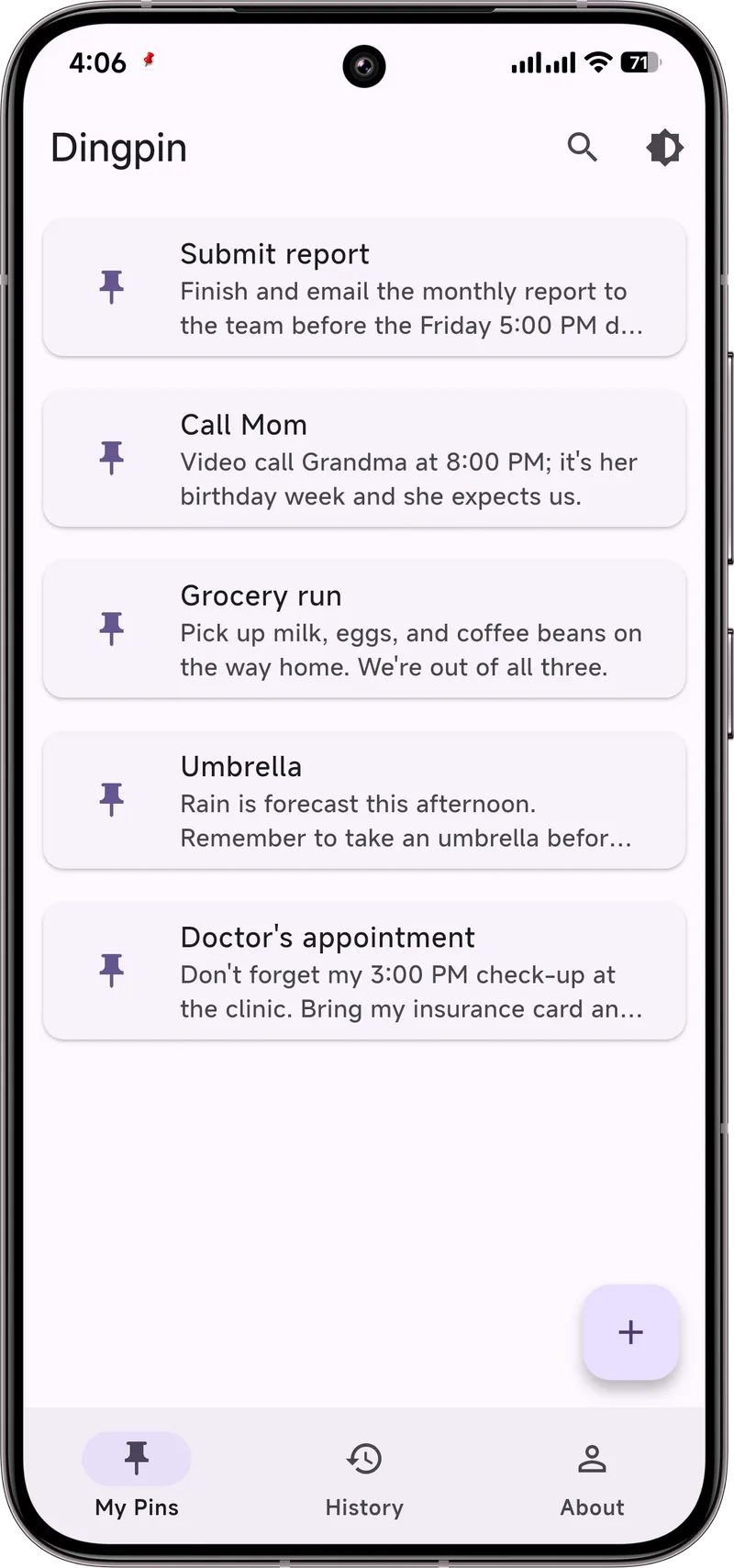
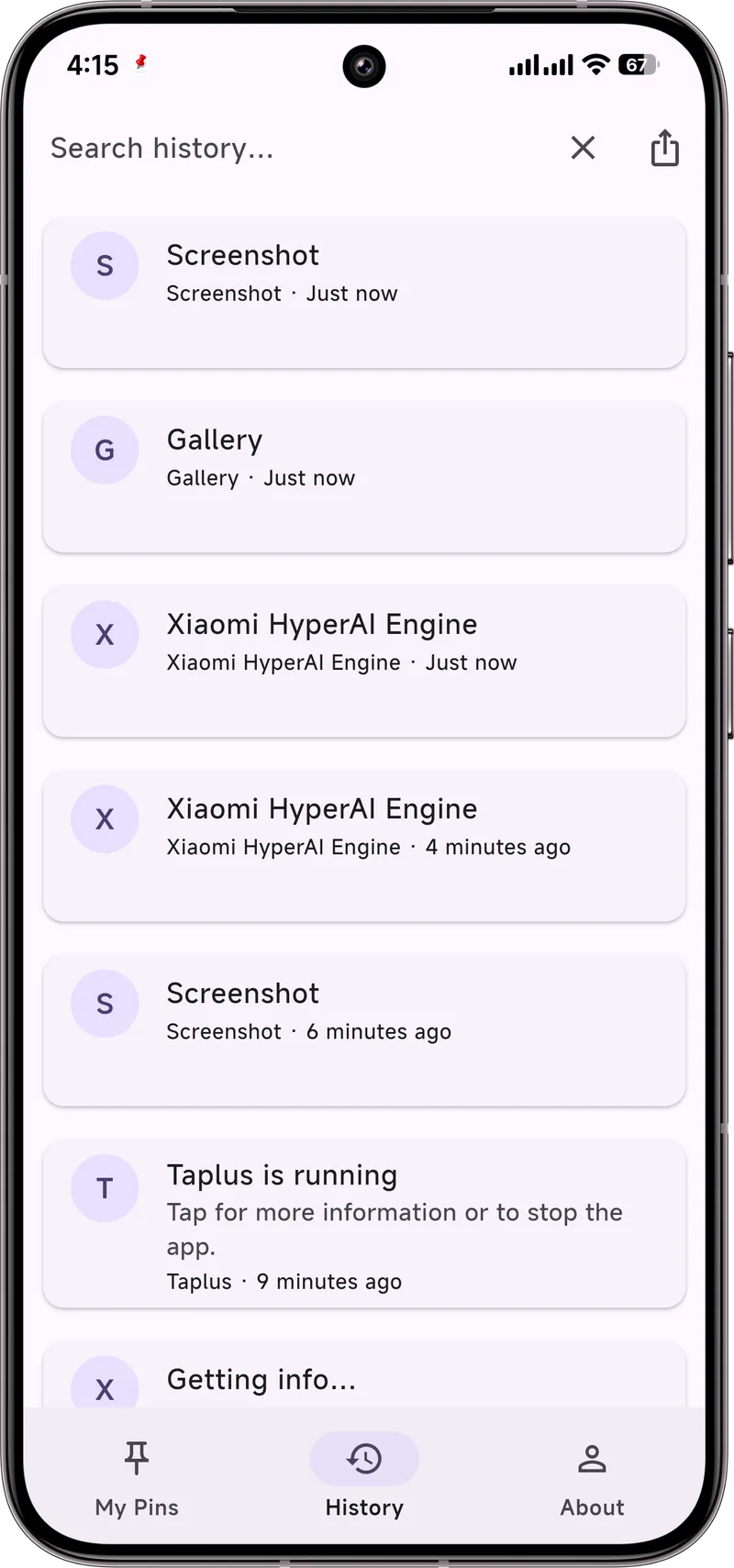
At minimum, a good one should: keep important notifications visible (pinning), let you search history, and ideally export it. Some also bundle automation or rules — useful, but heavier.
Quick comparison
*Android 11+ has a basic notification history, but it does not pin and only keeps ~24 hours by default.
Why Dingpin
If your main need is "keep the important stuff on top," Dingpin is the focused choice: a tiny app that does pinning, search, and export cleanly, with no account and no clutter. It is the option we recommend starting with unless you specifically need automation rules.
What notification manager apps do
A notification manager is a third-party app that gives you finer control than the built-in Settings app. The category breaks into a few overlapping use cases:
- History capture. Apps that record every notification so you can search and export past alerts.
- Advanced filtering. Apps that silence specific notification types based on rules you define.
- Pin and persist. Apps that keep selected notifications at the top of the shade.
- Automation. Apps that trigger actions based on notification content (e.g., auto-save OTP codes).
Most of these apps use the Notification Access permission, which lets them see notifications from other apps. This is required for any third-party notification tool.
What to look for in a notification manager
Five criteria matter most when choosing one:
- Local-only storage. The app should keep your notification log on your device. Anything that uploads notifications to a server is a privacy risk.
- Search and export. A history you cannot search is barely better than no history.
- Open source. For an app that reads all your alerts, code you can inspect is reassuring.
- No account required. A notification manager should work without a login — adding account requirements to a tool that handles private data is a red flag.
- Active maintenance. Check the changelog — Android's notification API changes every year, and an unmaintained app may break with a new release.
Dingpin vs. other options
The two most common alternatives are Notification History Log and BuzzKill. Here is how they compare:
- Notification History Log. Free, simple history viewer. Lacks search and export.
- BuzzKill. Powerful automation engine. Has a steeper learning curve and requires Tasker-like rule setup.
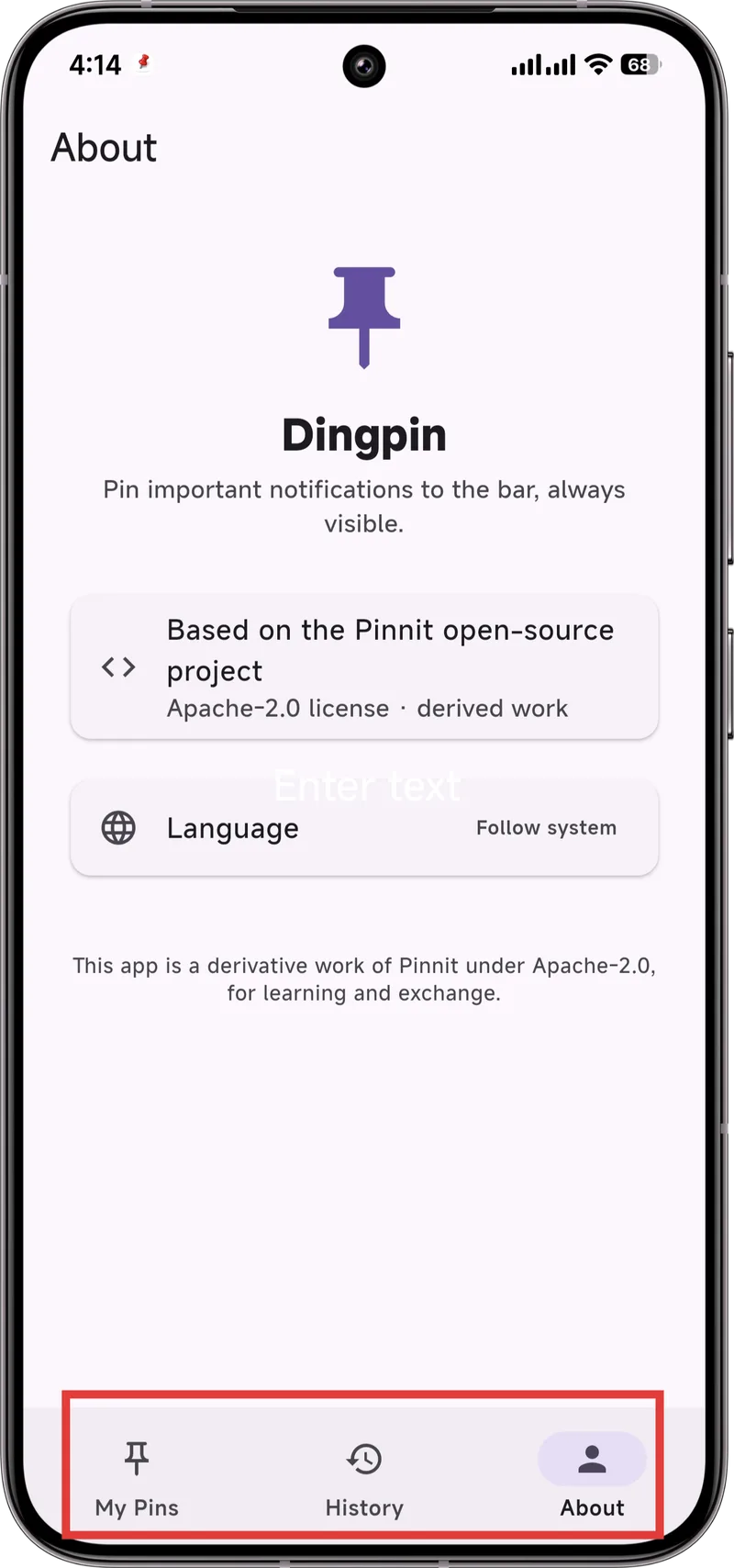
- Dingpin. Focused on three jobs: pin notifications, keep a searchable history, and export on demand. Free, no account, open source, no ads.
When you do not need a notification manager
Some users can get by with just Android's built-in controls. You probably do not need a third-party app if:
- You are happy with how DND and Focus modes silence notifications.
- You rarely need to find a notification you swiped away.
- You do not use pinned or persistent notifications.
For everyone else — especially people who lose track of codes, appointments, and tracking links — a notification manager is a real productivity upgrade. See also: recovering notification history, pinning notifications on Android, and what Notification Access is.
How to choose
- Just want pins? Pick a focused app like Dingpin.
- Want automation (auto-tag, auto-mute)? Look at rule-based managers.
- Privacy-sensitive? Prefer on-device, no-account apps.
- Old phone? Check the app's minimum Android version and size.