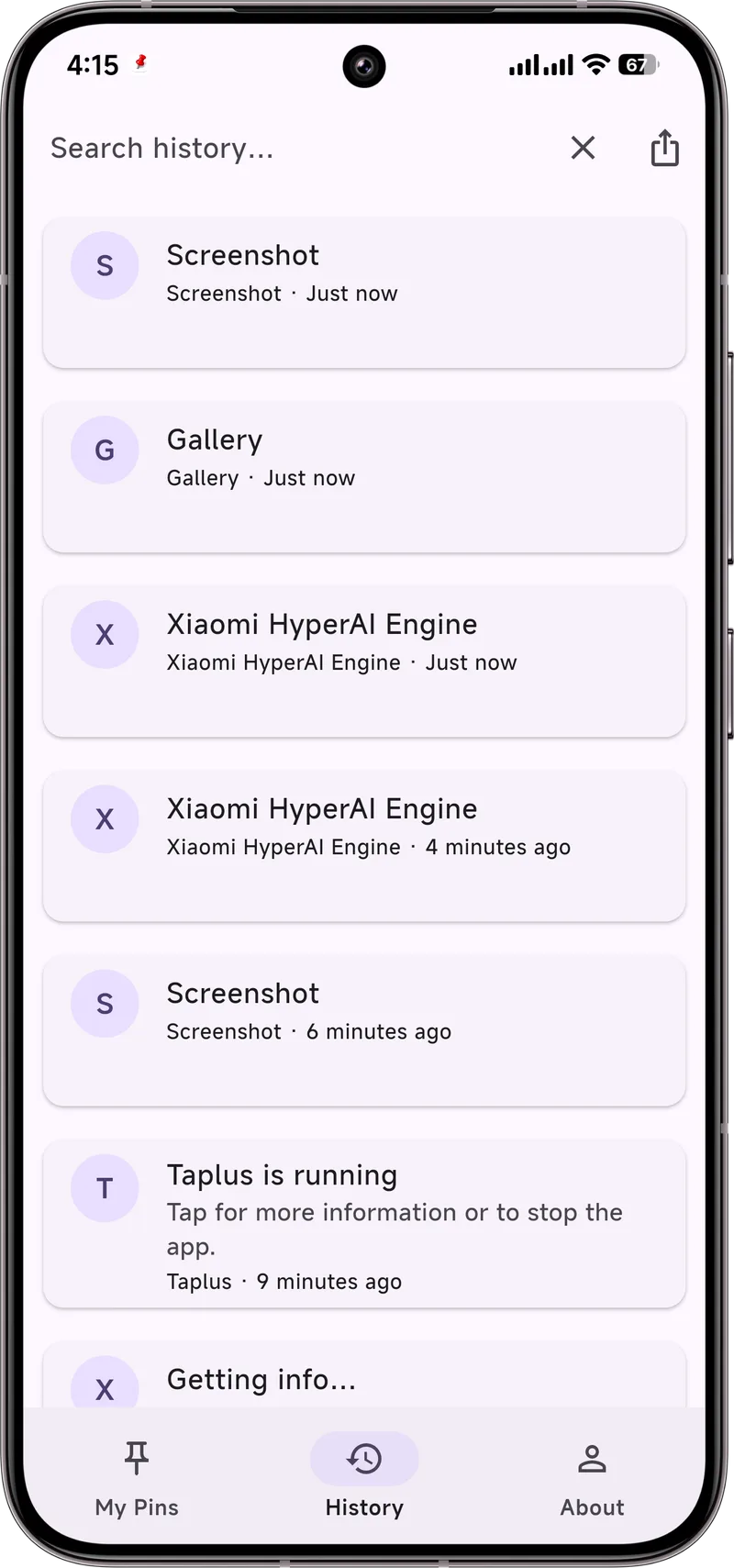
You remember getting a tracking link or a code yesterday, but Android's Notification History is just a long, unsearched list. Here is how to actually find it.
The native history has no search
Android's built-in Notification History (Settings → Notifications → Notification history) is a flat, chronological list with no search box. There is no filter by app or keyword either.
The manual workaround
- Open Settings → Notifications → Notification history.
- Scroll and mentally scan for the app or time.
- Tap an entry to read its text.
Fine for one recent item; painful if you are hunting across a busy day — and impossible past the 24-hour cutoff.
Search with an app
Dingpin keeps a searchable history: type a keyword, app name, or sender and results filter instantly. Because it stores its own log with no 24-hour cap, you can search last week's alert just as easily.
Why Android's history has no search box
Google treats the built-in Notification History as a diagnostic tool rather than a feature for end users. It is the same screen an engineer might use to debug why an alert did or did not appear, so the design prioritizes completeness over usability — no filter, no jump-to-date, no keyword box. If you want to find a specific notification in a busy day's list, scrolling is your only option, and you have a 24-hour ceiling before the entries vanish.
What you can realistically search for
Useful search patterns when you do have a search-capable tool:
- Keyword in the message text. The actual content of the alert — a tracking number, a name, a code, a phrase.
- App name. If you remember roughly when a notification came from a particular app, filter to that app first.
- Sender or sender domain. For messaging apps, the contact's name. For transactional apps, the package or service.
- Date or time window. Narrow the search to "this morning" or "last Friday" before scanning text.
When you actually need to search
A few common scenarios where search saves real time:
- Delivery tracking. You got a shipping notification, swiped it away, and now need the tracking link. Type the courier's name (DHL, FedEx, UPS, Amazon) and the alert pops up.
- Verification codes. Codes usually expire in 5–10 minutes. If you missed one, search the messaging app's name to find it before it does.
- Appointment details. "Where was I supposed to be at 3pm?" — search by app (calendar, clinic, service) and time.
- Lost link or address. Someone sent you a place link in chat. Search the chat app's name and the rough keywords from the message.
Beyond search: pinning what matters
Searching after the fact is useful, but the more reliable habit is to pin anything you might need later when it arrives. Dingpin can pin a notification directly from the shade — long-press, pin, done — and pinned items stay searchable above the regular history. See also: saving notifications to read later and recovering notification history.