Android's built-in Notification History is better than nothing, but it keeps only about 24 hours, has no search, and cannot export. If you actually rely on old notifications — codes, links, order updates — a dedicated app is the real fix. Here are the best notification history apps for Android right now.
Why the built-in history falls short
- 24-hour cliff. Older entries are dropped automatically.
- No search. You scroll a flat list to find anything.
- No export. There is no way to save the log to a file.
- Opt-in only. It records nothing until you enable it, and some phone makers limit it further.
The apps compared
Dingpin
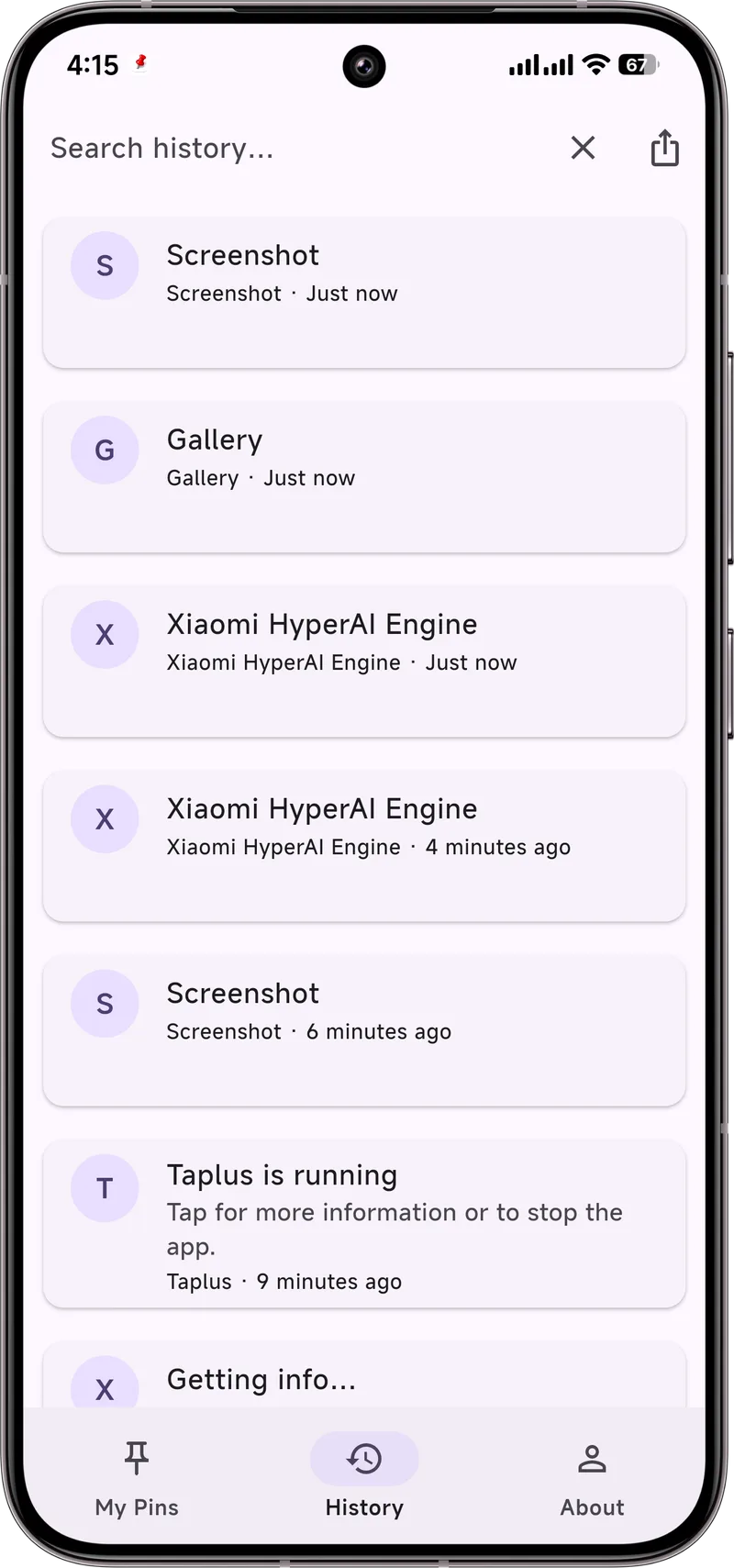
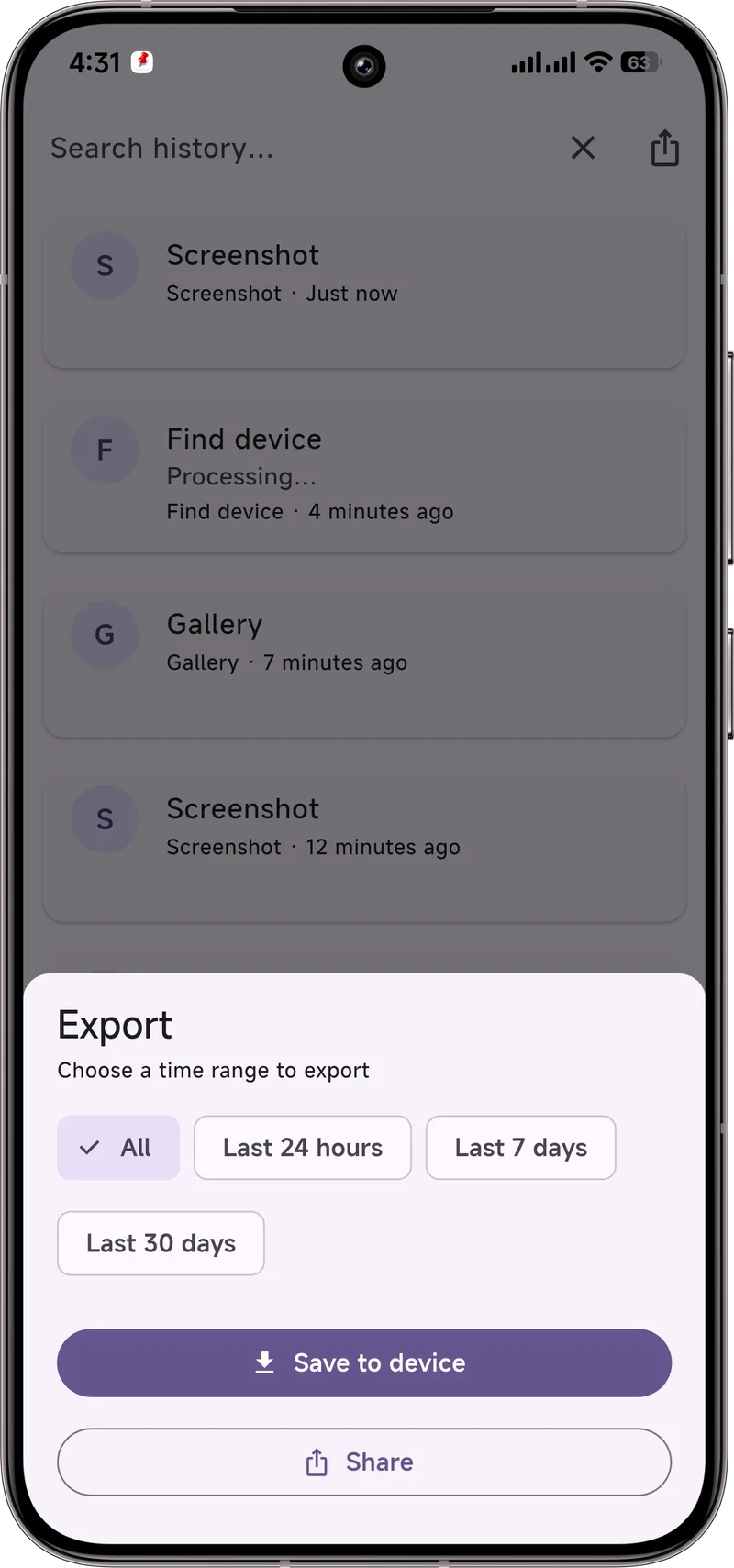
A free, open-source notification manager that keeps a searchable, exportable history with no 24-hour cap. Pin important alerts so they never disappear, add notes, and export by day, week, month, or all. Best for people who want a permanent, findable log.
Notification History Log
One of the most popular dedicated loggers. It captures notifications from when you install it and offers basic browsing and filters. Free with ads; export is limited on some versions.
Buzzkill
Built around rules and automation — e.g. "when a notification contains a code, copy it." Strong on acting on notifications, lighter on long-term searchable storage and export.
Comparison table
| App | Beyond 24h | Search | Export | Notes |
|---|---|---|---|---|
| Dingpin | Yes | Yes | Yes | Free, open source, pin + notes |
| Notification History Log | Yes | Basic | Limited | Free, ad-supported |
| Buzzkill | Partial | Rules-based | No | Automation focus |
Our pick
For a permanent, searchable, exportable log, Dingpin is the most complete and it is free and open source. Enable it once and it captures everything from that point on — no 24-hour cliff, no digging through system menus.
What makes a good notification history app
The category is small and crowded. Five things separate the best from the rest:
- Search. Scrolling a long list is not history; searchable is.
- Export. Sometimes you want your history out of the app — for record-keeping, legal needs, or transfer.
- No account. Notifications are personal. A history app that requires sign-up is a privacy risk.
- Open source. The app reads every notification you get. Code you can inspect is reassuring.
- No data upload. On-device storage only.
The top options in 2026
Three apps worth considering:
- Dingpin. Open source, no account, captures from install, searchable history, export to file, pin notifications. Focused on the three jobs most users actually need.
- Notification History Log. Simple viewer for the system log. No search, no export, free.
- BuzzKill. Automation engine. Powerful but complex; aimed at power users who want to set up rules.
Why Dingpin often wins
For most people, Dingpin hits the sweet spot:
- Capture from install. Unlike the system log which only captures after you enable the toggle, Dingpin starts recording the moment it has Notification Access.
- Search across all alerts. Keyword, app, sender.
- Export to file. By day, week, month, or all.
- Pin. Keep important alerts visible.
- Open source. github.com/CxAxin/Dingpin
When you do not need one
You may not need a third-party history app if:
- You rarely dismiss alerts without reading them.
- You do not mind the 24-hour limit of the system log.
- You never need to find an alert from days ago.
For everyone else — particularly anyone who has lost a code, a tracking link, or an address to a swiped notification — the upgrade is real. See also: recovering notification history, pinning notifications on Android, and what Notification Access is.