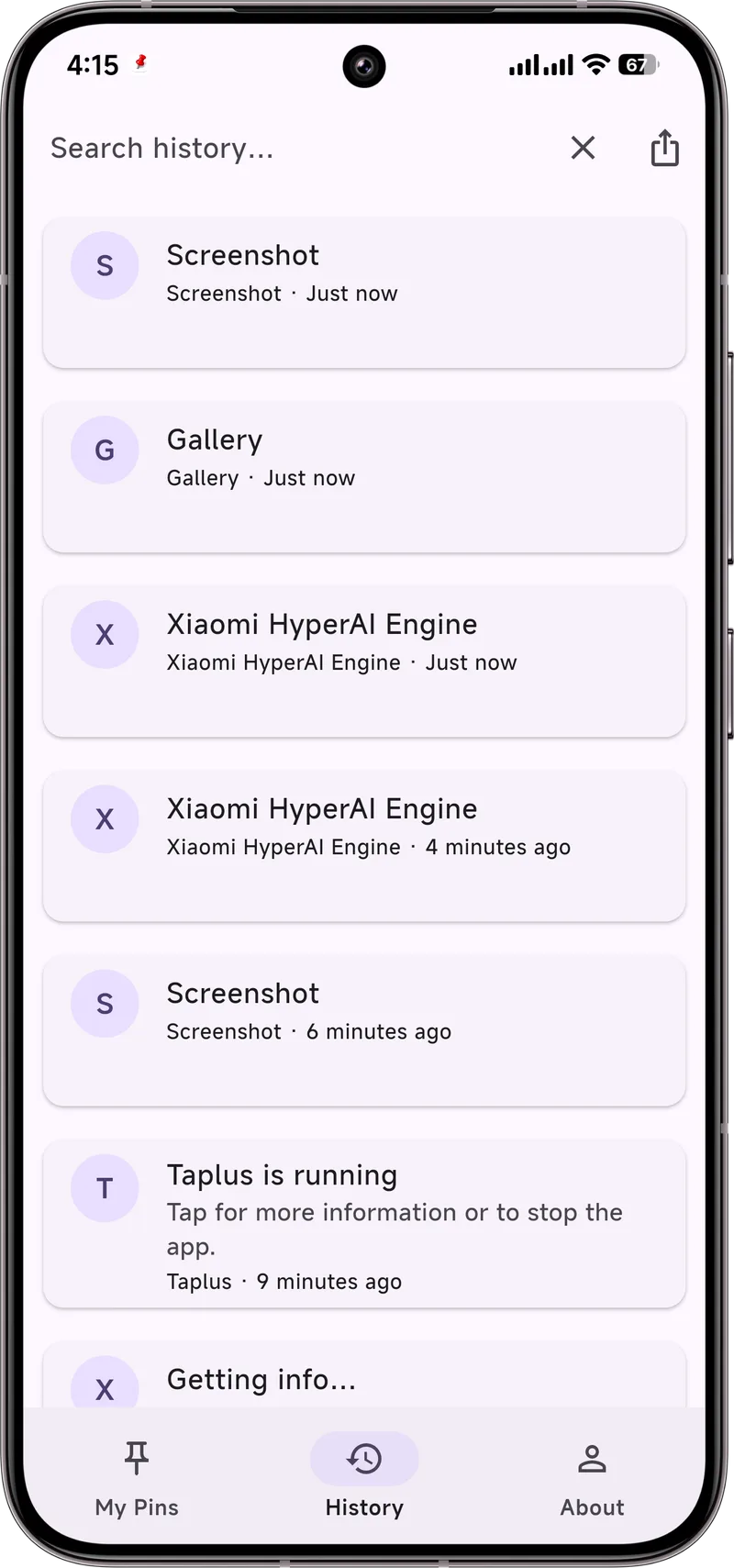
Swiped away a code, a link, or an appointment by mistake? As long as Notification History is on, the text usually is not gone yet.
What "dismissed" means
Dismissing (swiping away) a notification removes it from the shade but does not delete it from Notification History. The history keeps a copy for roughly 24 hours.
Recover from history
- Open Settings → Notifications → Notification history.
- Find the app and time of the alert you dismissed.
- Tap it to read the full text (sensitive content may show after you tap in).
The limits
- Only works if history was enabled before the alert arrived.
- Entries age out after about 24 hours.
- No search — you scan the list manually.
Stop losing them
The cleanest fix is to never let a dismissal destroy the content. Dingpin keeps its own searchable copy from the moment a notification arrives, and you can pin the ones that matter so they stay put. Clear the shade all you want — the record remains.
What if history was off when you swiped?
This is the most common "I lost it" situation. If Notification history was disabled when the alert arrived, dismissing it truly is gone — there is no copy anywhere on the device. Once you turn the setting on, it only starts capturing new notifications from that moment. The fix going forward: turn the setting on now, and pair it with a dedicated log app so you have a second layer of capture.
Dismiss vs. Clear all — the difference
It helps to understand exactly what each action does:
- Swiping one notification away. Hides just that alert from the shade. If history was on, the text survives in the system log.
- "Clear all" at the bottom of the shade. Hides every alert in one tap. Same rule: text survives in history if the setting was on.
- Disabling notifications for an app. Stops future alerts entirely. Existing entries already in the shade may or may not be removed depending on the phone.
- Uninstalling the app. Removes its notifications from history too. If the app is gone, recovery gets harder.
What to do once you recover it
Once you find the notification, take a moment to prevent the next loss:
- Copy what you need. Pull out the code, link, address, or phone number into your clipboard or notes app.
- Pin it for later. If the alert is still useful (a delivery ETA, an appointment, a reminder), pin it with Dingpin so it stays above the shade until you handle it.
- Add a note. Dingpin lets you attach a short note to a captured notification — useful for adding context like "from Mom, re: Friday pickup."
Notifications you genuinely cannot recover
Two cases where no recovery method works:
- History was off and the alert was dismissed. The text simply does not exist on the device. If you really need it, your only hope is checking the sending service — your bank's SMS, your email inbox, the courier's tracking page.
- The sending service never held it either. Some transient alerts (one-time OTPs that expire server-side, ephemeral chat messages) genuinely exist only in the moment. For these, the only protection is having history on and checking quickly.
For everything else, see also: recovering notification history, clearing the shade without losing history, and fixing history when it does not work.